Cut Out the Manual Work. Automate the Rest.
Custom workflow automation and AI agents that connect your existing tools, move data automatically and remove the repetitive admin eating into your team's day, without forcing you onto a new platform.
Delivered
Served
Delivery
Call
Busywork
Run log
What is business process automation?
Business process automation uses software to run repetitive, rule-based work without manual effort, such as moving data between tools, creating tasks, sending notifications, generating documents and routing approvals. Evynta, with its office in Kolkata, builds automations with n8n, Zapier, Make, Power Automate and custom code, and adds AI agents when a task needs language understanding.
A single focused workflow is typically live in 1 to 2 weeks, and a broader programme in 2 to 4 weeks. You get a clear, fixed quote after a free discovery call. Send an inquiry.
Everything Your Business Can Automate
From single repetitive tasks to entire department-wide workflows, automated end to end.
Workflow Automation
Trigger, condition and action chains that move data and start the right next step automatically, across any tools.
Document Automation
Auto-generate invoices, contracts and reports from your data, with no more copy-pasting into templates.
Approval Workflows
Multi-step approvals with automatic routing, reminders and escalation, so nothing waits in an inbox.
System Integrations
Connect tools that do not talk to each other natively, so data flows instead of being re-entered by hand.
Notifications & Alerts
Slack, email or SMS alerts the moment something needs attention: low stock, a stalled deal, an approaching deadline.
RPA for Repetitive Tasks
Robotic process automation for data entry, reconciliation and reporting that eats hours of manual work every week.
Automation Does the Work. AI Agents Do the Talking.
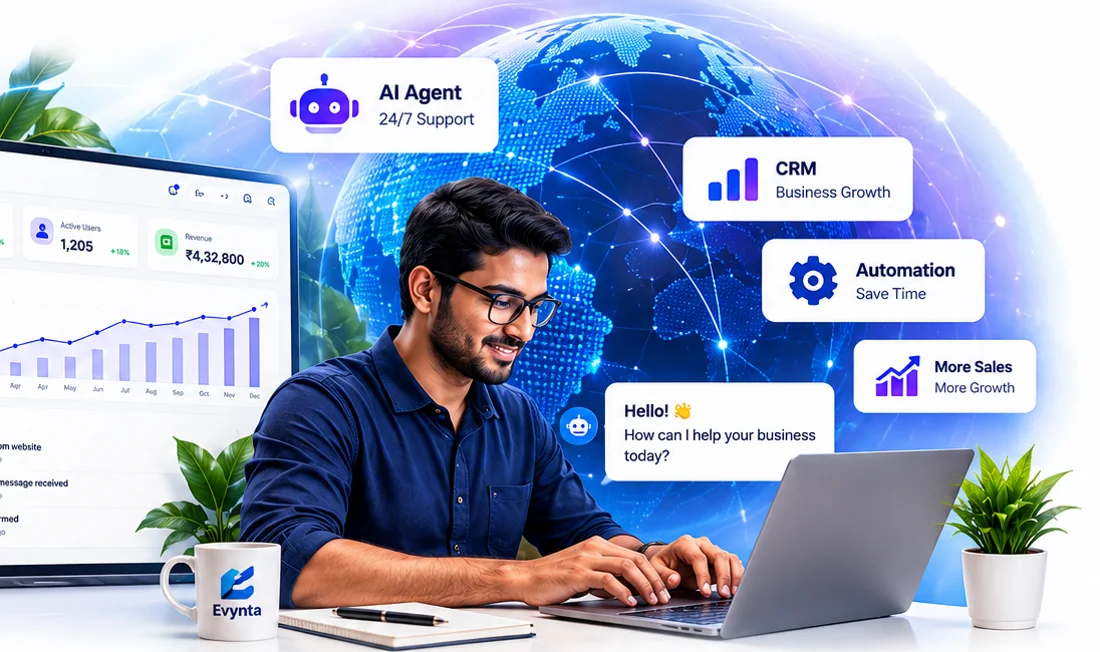
Pair your workflows with AI agents on WhatsApp, voice and web. The agent understands your customer and answers in Hindi, Bengali or English, then triggers your automations to update the CRM, create tasks and notify your team.
Track order
Our Automation Process
From manual process to automated flow in five clear steps.
- 01
Discovery & Mapping
We document how the process works today: every step, handoff and tool involved.
- 02
Workflow Design
We design the automated version, with edge cases, approvals and human-review triggers.
- 03
Build & Integrate
Built and connected to your existing tools, with error handling from the start.
- 04
Test & Validate
Tested on real scenarios, including the messy edge cases that break most automations.
- 05
Launch & Monitor
Deployed with monitoring, so you know at once if a connected system changes.
Automation for Every Department
Examples of work we take off your team's plate.
Finance & Accounting
Invoice processing, payment reconciliation and expense approvals.
Sales Operations
Lead routing, quote generation and deal-stage notifications.
HR Operations
Onboarding checklists, document collection and IT provisioning.
Logistics & Ops
Order processing, low-stock alerts and shipment status updates.
Customer Onboarding
Account setup, welcome sequences and kickoff scheduling.
Compliance & Reporting
Scheduled checks and automated reports that avoid missed deadlines.
Business Automation vs AI Agents
What each does best, and why many clients use both together.
| Business automation | AI agent | |
|---|---|---|
| Handles | Structured, rule-based workflows | Conversations and judgment calls |
| Examples | Move data, trigger actions, connect systems, send alerts | Answer customers, qualify leads, book appointments |
| Channels | Your apps, email, Slack, CRM, ERP | WhatsApp, voice, web chat, email |
| Understands language | No, follows the rules you set | Yes, in Hindi, Bengali, English and more |
| Best together | The AI agent talks to the customer, then triggers automations that update the CRM, create tasks and notify your team. | |
Why Choose Evynta for Business Automation?
We build on the CRM, accounting and chat tools you already use. No forced migration.
Multi-branch workflows with approvals, error handling and fallback paths.
Add WhatsApp, voice or web AI agents that trigger your automations.
Monitoring and monthly support, so changes in connected systems do not break your flows.
Built on Tools That Fit Your Stack
No-code where it is faster, custom code where it is needed.
Also: Airtable, RPA tools, custom REST APIs, and any CRM or ERP.
Pair Automation With Other Services
Automation is even more powerful with the systems and AI agents that feed it.
CRM Development
A custom CRM gives your automations a clean, reliable source of data to trigger from.
Learn more →Lead Generation Agent
An AI agent that qualifies leads, then automatically routes and follows up on them.
Learn more →Data Analytics
Turn the data flowing through your automations into dashboards your leadership relies on.
Learn more →Tell Us What to Automate
Describe the task that eats your team's time and our Kolkata team will reply on WhatsApp, phone or email with a clear plan and quote.
Frequently Asked Questions
Get answers to common questions about our business automation services.
What is business process automation?
Business process automation uses software to run repetitive, rule-based work without manual effort, such as moving data between tools, creating tasks, sending notifications, generating documents and routing approvals.
How much does business automation cost?
The cost depends on how many workflows you want to automate, how many systems they connect and whether you add AI agents. After a free discovery call we share a clear, fixed quote for your project.
What is the difference between business automation and an AI agent?
Business automation handles structured, rule-based workflows: moving data, triggering actions and connecting systems. AI agents add conversational intelligence on top, for tasks that involve understanding language and making judgment calls. Many of our clients use both together.
Can you add an AI agent to my automation?
Yes. Evynta also builds WhatsApp, voice and web AI agents. They talk to your customers, qualify leads or answer questions, then trigger your automations to update the CRM, create tasks and notify your team.
Can it work with our existing tools?
Yes. We build automations on top of the tools you already use, such as your CRM, accounting software, Google Workspace and Slack, rather than asking you to switch platforms.
Can it handle complex, multi-step workflows?
Yes. We build conditional, multi-branch workflows with approvals, error handling and fallback paths, not just simple one-step triggers.
How long does it take to build an automation?
A single focused workflow is typically live in 1 to 2 weeks. A broader automation programme across multiple processes takes 2 to 4 weeks, depending on how many systems need to be connected.
Which automation tools do you use?
We pick the right tool for the job: n8n, Zapier, Make and Power Automate where no-code is faster, and Python scripts, custom REST APIs or AWS Lambda where custom code is needed.
Do you offer ongoing support after launch?
Yes. We offer monthly support plans covering monitoring, fixes when connected systems change, and building new workflows as your processes evolve.
Do you build automation for businesses outside India?
Yes. Evynta is based in Kolkata, India, and builds automation for clients in India, the UAE, USA, UK, Saudi Arabia, Qatar, Kuwait and Bahrain, working remotely or on-site.
Ready to Automate the Busywork?
Get a free consultation. We will map your process and give you a clear scope, timeline and quote.
- Experienced automation team
- Transparent process
- Tailored to your workflows
- Ongoing support and monitoring